











Latest Tutorials

Learn about the latest technologies from fellow newline community members!

  • React
  • Angular
  • Vue
  • Svelte
  • NextJS
  • Redux
  • Apollo
  • Storybook
  • D3
  • Testing Library
  • JavaScript
  • TypeScript
  • Node.js
  • Deno
  • Rust
  • Python
  • GraphQL
  • React
  • Angular
  • Vue
  • Svelte
  • NextJS
  • Redux
  • Apollo
  • Storybook
  • D3
  • Testing Library
  • JavaScript
  • TypeScript
  • Node.js
  • Deno
  • Rust
  • Python
  • GraphQL

I got a job offer, thanks in a big part to your teaching. They sent a test as part of the interview process, and this was a huge help to implement my own Node server.

This has been a really good investment!

Advance your career with newline Pro.

Only $40 per month for unlimited access to over 60+ books, guides and courses!

Learn More

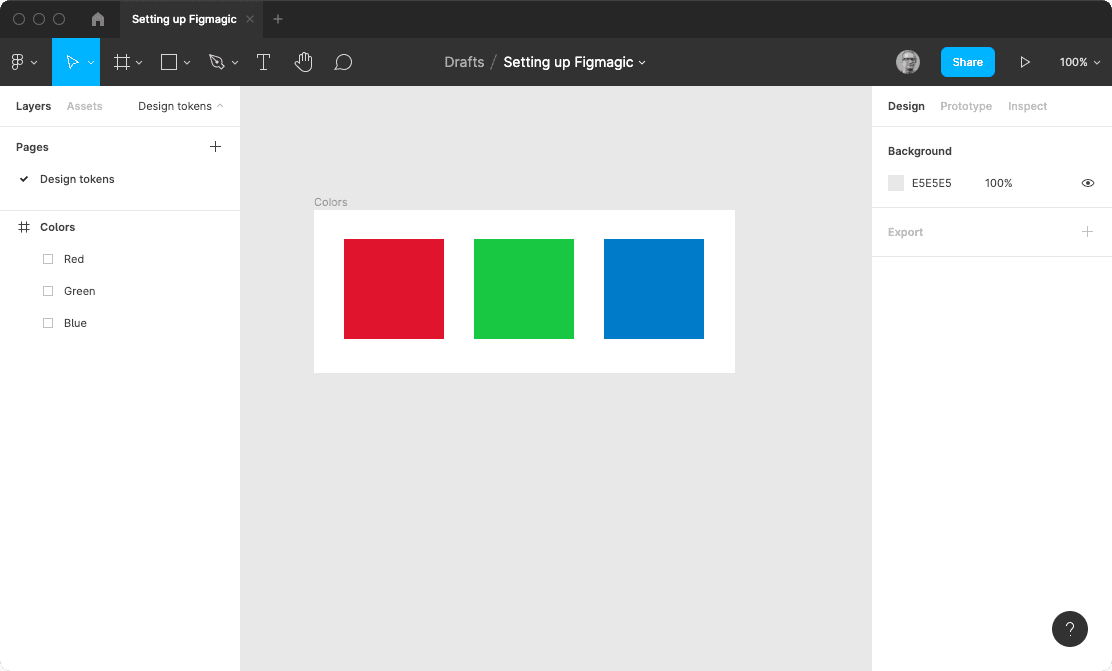
Figma And Figmagic For React: Your First Workflow

In this post, we'll keep it short and sweet and make a sort of "hello world" implementation. This should get you a good sense of how things work when starting from scratch. Let's recap very briefly what we know about design systems, design tokens and Figmagic: Start Figma. Create a new design file…
Thumbnail Image of Tutorial Figma And Figmagic For React: Your First Workflow

Optimistic UIs with React, Apollo Client and TypeScript (Part I) - Project Overview

Liking a tweet on Twitter. Marking an e-mail as read in your G-Mail inbox. These type of simple, low-stake actions seem to happen so quickly that you can perform one action after another without having to wait for the previous to finish resolving. As the defining trait of optimistic UIs, these…
Thumbnail Image of Tutorial Optimistic UIs with React, Apollo Client and TypeScript (Part I) - Project Overview

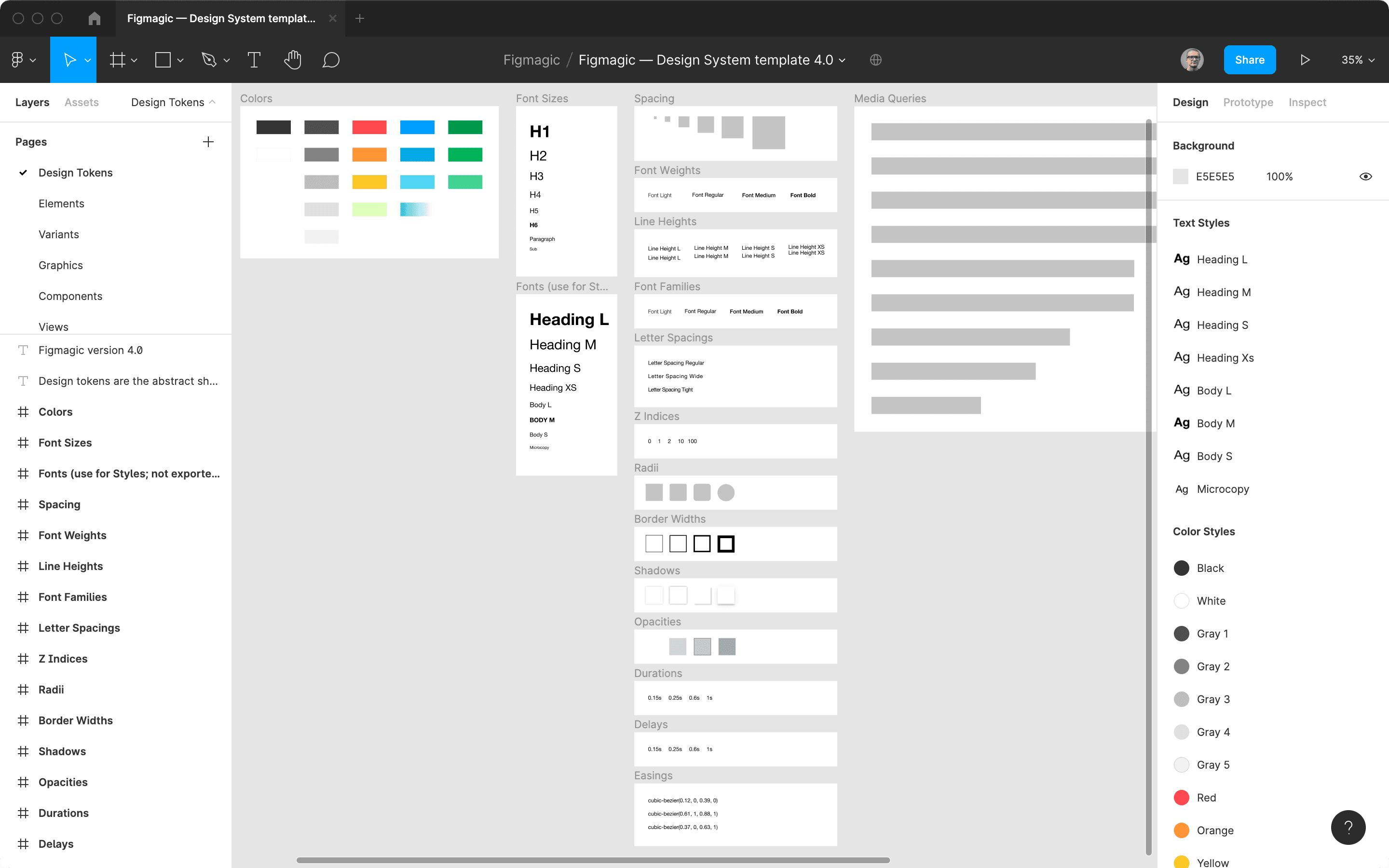
Work Effectively With Figmagic - File Organization 

Working effectively with Figmagic means understanding how and what it actually parses from a document. In this post, we will demystify exactly how a Figmagic-compliant Figma file needs to look for it to work as intended. On a high level, there are three page names that Figmagic looks for:
Thumbnail Image of Tutorial Work Effectively With Figmagic - File Organization